Using ChatGPT to Optimize and Manage Your Google Ads
Jakub Nikodym · July 31, 2026
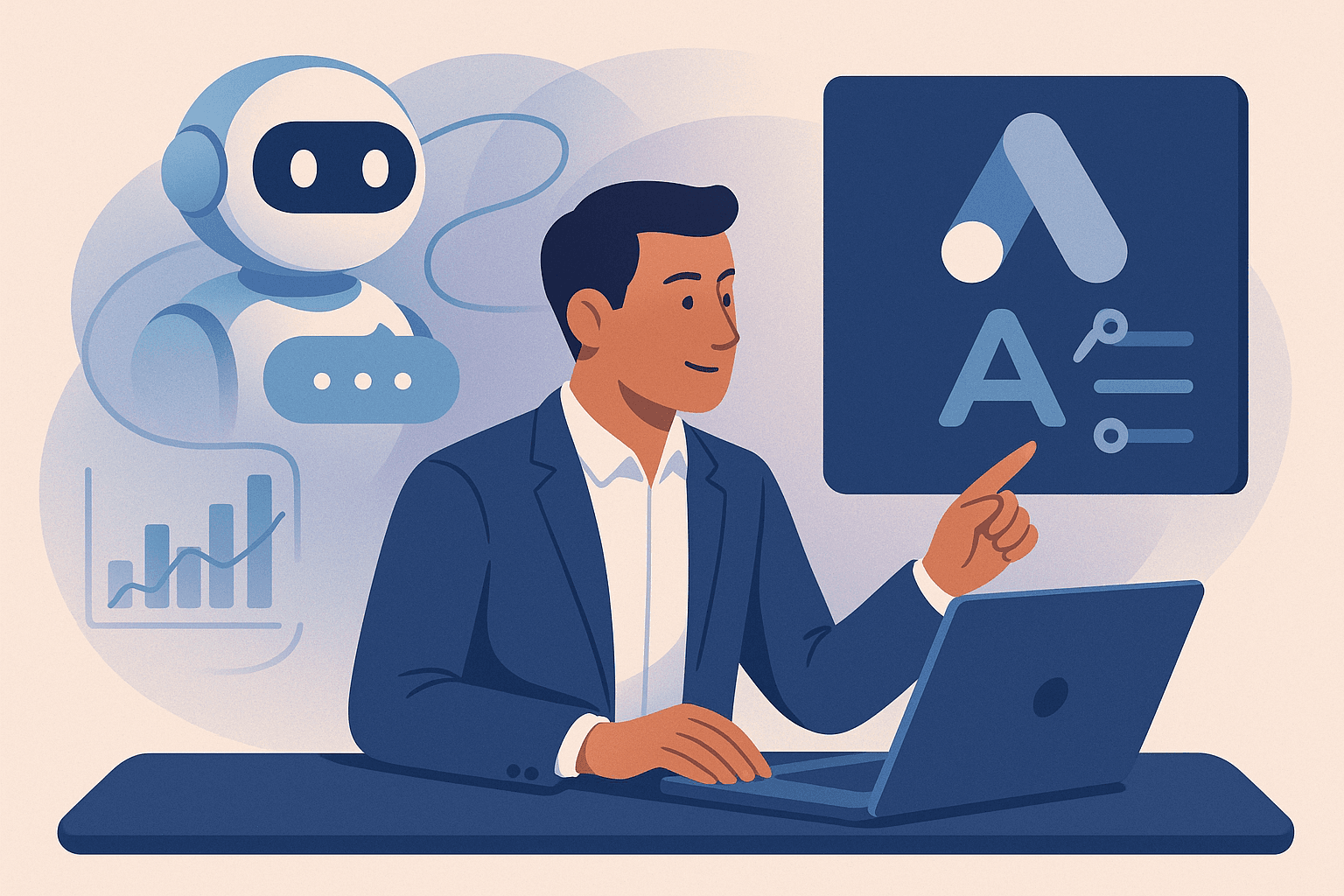
Using ChatGPT to supercharge your Google Ads campaigns is no brainer, especially if you're a small business owner wearing many hats. Imagine significantly reducing the time you spend on ad creation, optimization, and strategy, allowing you to focus more on other areas of your business while still seeing improved ad performance. Let’s get into how you can integrate ChatGPT and other large language models (LLMs) into your Google Ads routine.
Key takeaways
- Use ChatGPT to generate ad creatives, including headlines and descriptions, that match Google Ads' criteria.
- Leverage AI for keyword research and analysis to discover new opportunities effectively.
- Utilize automated responses for your customer interactions, boosting engagement without additional effort.
- Save time while making data-driven decisions by automating report analysis and insights.
How can ChatGPT improve your ad copy?
Google Ads demand precision and creativity—two areas where ChatGPT excels. You can generate multiple headlines and descriptions effortlessly, ensuring you always have something to test and optimize. Here’s what you need to focus on:
- Headlines and Descriptions: Google’s Responsive Search Ads allow up to 15 headlines (30 characters each) and 4 descriptions (90 characters each). You can use ChatGPT to draft these and iterate quickly.
Example: If you run a boutique shoe store, prompt ChatGPT with specifics like, "Create ad headlines and descriptions for a boutique shoe store targeting age 25-35 women interested in eco-friendly products."
This can produce options like: - "Step into Sustainable Style" - "Eco-friendly Shoes for the Conscious Consumer"
- Ad Strength and Pinning: Use ChatGPT to vary your language, improving Ad Strength by covering a range of messaging angles. You can even ask it to create variations that you can pin according to priority.
It’s all about finding the balance between efficiency and creativity that allows for impactful advertising, and AI tools can streamline this process for small-business owners.
How to leverage ChatGPT for keyword research?
Keyword discovery and optimization are critical when it comes to lowering your CPC and maximizing ROI. In my experience, ignoring this is what drains budgets. Let ChatGPT assist you in uncovering hidden opportunities.
- Seed Keyword Expansion: Start with a basic list of seed keywords related to your business. Ask ChatGPT to expand on these, helping you discover long-tail variations that might have less competition.
- Competitor Analysis: You can furnish ChatGPT with competitor research data. Ask for comparisons or to identify gaps in your current keyword strategy. This can be especially beneficial if you're also considering the advice in How to Lower Your Google Ads Cost Per Click (CPC).
- Contextual Generation: Say you’re looking at "eco-friendly shoes" as a keyword. Prompt ChatGPT with variations or related keywords it can infer from user intent. Integrate these into your Google Ads campaigns to broaden your audience reach.
Can AI manage customer engagement effectively?
Customer interaction is another area where AI can help. Automated responses maintain engagement with potential leads when you're off focusing on other aspects of the business.
- Automated Replies: Implement AI-generated responses on common queries. This doesn’t just apply to Google Ads but across customer interaction channels, enhancing user experience.
- Lead Nurturing: Use personalized follow-ups generated by AI to engage prospective customers you've attracted through your ads. For example, if a user subscribes to your newsletter through Google Ads, ChatGPT can craft a welcoming first email series.
How to automate analytics with ChatGPT?
ChatGPT isn't for raw data crunching, but it is instrumental in interpreting that data. It can help make sense of Google Ads performance metrics and suggest optimizations.
- Report Summarization: Use ChatGPT to summarize Google Ads reports or export data from Google Analytics. It can provide concise insights into which campaigns perform well and which do not, reducing the time spent in Excel hell.
- Identify Trends: Ask it to identify underlying trends or sudden changes—maybe a drop in engagement or an unexpected spike in conversions—and suggest actionable improvements.
- Scenario Planning: If open rates drop or user engagement falters, you can lean on ChatGPT for crafting hypothetical scenarios and responses, saving precious time and enabling rapid iteration.
How to get started with AI in your Google Ads?
If integrating AI seems complex, platforms like Flowou streamline this process. Without expert-level knowledge, Flowou can manage the nitty-gritty details while you focus on strategy.
Using AI and LLMs doesn't have to be an all-out leap. Start small—like generating ad creatives or interpreting analytics—and scale as you feel comfortable. The goal is to save time and improve efficiency, a resource often stretched thin for small businesses trying to manage everything themselves.
If the intricacies of manually setting up and refining your ad campaigns aren’t your forte, consider using automated tools like Flowou. Incorporating such resources can significantly reduce your workload, allowing more focus on strategic decisions instead of operations.
Read next
AI Marketing Agents for Small Businesses: What's Actually Useful in 2026
Discover essential AI marketing tools for small businesses in 2026, and learn how they enhance advertising efficiency and effectiveness.
Using AI for Keyword Research on a Small Budget
Discover how AI can optimize your keyword research without breaking the bank for small business marketing.
Should a Small Business Use AI to Generate Its Ad Creative?
Explore if AI-based tools can effectively create ad creative for small businesses and delve into practical steps.